At CYFRON SOFTWARE TRADING, we're driven by usability, innovation, and clarity—values that guide us in evaluating the tools shaping product development. With the release of Figma Make at Config 2025, it's clear that the future of prototyping is shifting in a promising direction. For developers, designers, and product teams aiming to build functional, maintainable interfaces, this is a change worth noting.
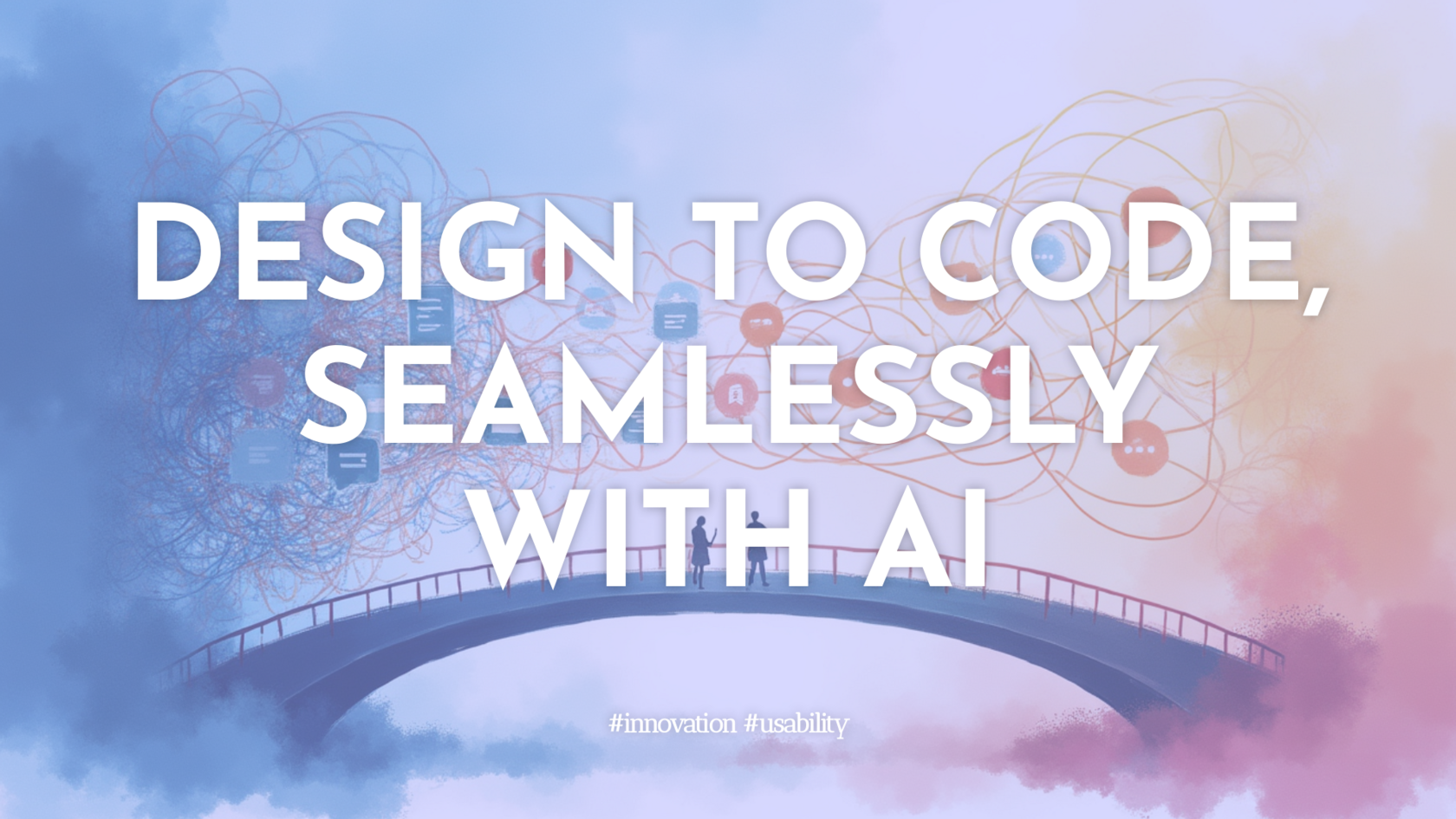
Traditionally, prototyping in Figma has relied on screen-to-screen navigation: an intricate system of "noodles" that connect pages, modals, and logic. While powerful, this approach often becomes cumbersome, especially in large projects. Keeping dozens of connections in sync with visual updates can be a tedious and error-prone process. As projects scale, so does the complexity—and so do the chances of misalignment between design and development.
Figma Make rewrites that model. Using AI, it turns text prompts and design files directly into working prototypes or deployable web apps. Designers can now use natural language to specify interactivity—no linking, variables, or conditional logic required. You describe the intended user flow, and the system generates a multi-state interactive prototype that stays true to the visual design. This saves time and reduces confusion during handoff.
One noteworthy feature is code generation. Figma Make outputs real code—React components, .tsx files—that developers can start building upon immediately. The generated prototypes are roughly 98% true to the original designs, creating a solid bridge between creative exploration and engineering execution. Browser previews and live share links make it easy to communicate with stakeholders at any stage.
The system also supports backend integrations, such as user authentication or CRUD operations through services like Supabase. This makes it possible to simulate real-world logic before any engineering resources are committed. It’s modular, easy to maintain, and usable directly in the browser by non-technical team members. For internal apps, task management tools, or onboarding flows, this opens up new opportunities for co-creation across disciplines.
However, it's not a complete replacement for every kind of interface build. While Figma Make excels in app prototyping, we still recommend tools like Framer for marketing websites and content-heavy layouts. Each tool has its place; the key is recognizing where automation enhances process and where fine detail still calls for hands-on design.
For us at CYFRON, Figma Make resonates as a practical upgrade rather than just a flashy feature release. It supports cleaner workflows, sharper stakeholder communication, and faster validation of concepts. More important, it keeps the designer in control while making their ideas more tangible—and accessible—for the whole team.
Prototyping is becoming more fluid, more intelligent, and more integrated into the lifecycle of software. Figma Make is a strong signal that intuitive, AI-assisted workflows are not a future luxury, but a present-day necessity for teams building modern products.
Traditionally, prototyping in Figma has relied on screen-to-screen navigation: an intricate system of "noodles" that connect pages, modals, and logic. While powerful, this approach often becomes cumbersome, especially in large projects. Keeping dozens of connections in sync with visual updates can be a tedious and error-prone process. As projects scale, so does the complexity—and so do the chances of misalignment between design and development.
Figma Make rewrites that model. Using AI, it turns text prompts and design files directly into working prototypes or deployable web apps. Designers can now use natural language to specify interactivity—no linking, variables, or conditional logic required. You describe the intended user flow, and the system generates a multi-state interactive prototype that stays true to the visual design. This saves time and reduces confusion during handoff.
One noteworthy feature is code generation. Figma Make outputs real code—React components, .tsx files—that developers can start building upon immediately. The generated prototypes are roughly 98% true to the original designs, creating a solid bridge between creative exploration and engineering execution. Browser previews and live share links make it easy to communicate with stakeholders at any stage.
The system also supports backend integrations, such as user authentication or CRUD operations through services like Supabase. This makes it possible to simulate real-world logic before any engineering resources are committed. It’s modular, easy to maintain, and usable directly in the browser by non-technical team members. For internal apps, task management tools, or onboarding flows, this opens up new opportunities for co-creation across disciplines.
However, it's not a complete replacement for every kind of interface build. While Figma Make excels in app prototyping, we still recommend tools like Framer for marketing websites and content-heavy layouts. Each tool has its place; the key is recognizing where automation enhances process and where fine detail still calls for hands-on design.
For us at CYFRON, Figma Make resonates as a practical upgrade rather than just a flashy feature release. It supports cleaner workflows, sharper stakeholder communication, and faster validation of concepts. More important, it keeps the designer in control while making their ideas more tangible—and accessible—for the whole team.
Prototyping is becoming more fluid, more intelligent, and more integrated into the lifecycle of software. Figma Make is a strong signal that intuitive, AI-assisted workflows are not a future luxury, but a present-day necessity for teams building modern products.